Published: 21 Jan 2019 › Updated: 21 Jan 2019
Installing Raspbian Jessie
Installing Raspbian Jessie is fairly straight forward. In this post we'll about downloading the image file, installaton, and the first boot.
This post originally appeared two years ago on my Blogger account, click here to view the original. The only differences between this article and the original are this intro, updates at the bottom, and some updated links. Note that the video referenced is older now so it may bear some differences compared to an actual boot.
Downloading Raspbian
Raspbian can be downloaded from the official Raspberry Pi website.
If you don't need all the bells and whistles, or are working with a small SD card, you'll want to download the lite version. However, most users will want the full edition.
Please Download with Torrent!
For those who haven't used torrents before, it's a method of downloading files, but instead of downloading them from the server, you download from other users who already have the file. Torrents are safe to use and often faster than downloading from the server. By using Torrent, you also save the Raspberry Pi foundation money by not using their server. Remember, they're a non-profit! They need to save as much money as they can!
Installation
You can follow our instructions for restoring an SD card image using dd on Linux here.
Otherwise, click here for the official guide.
First Boot
Simply insert the SD card into the Pi and apply power!
Also watch this video on Spee.ch or in the LBRY app!
Those following our installation tutorial may notice after installing to the SD card, the Disk Utility shows a large portion of the SD card unused. Not to worry, the Raspbian automatically fixes this on first boot.
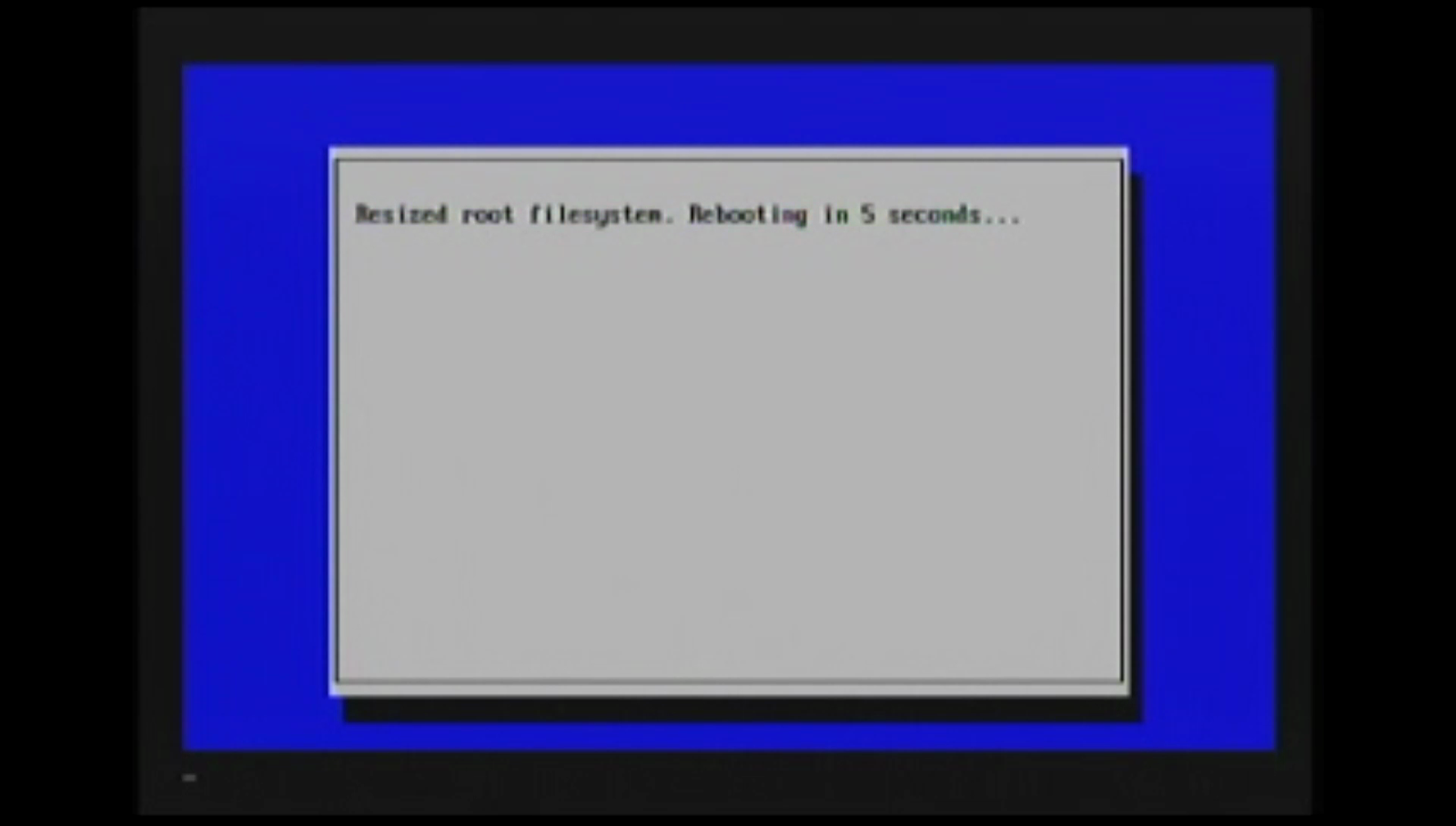
There you have it! A fully functional Raspbian system! Next week we'll show you how to change the password and install Weaved (Which is now Remot3.it) for easy remote access.
UPDATE: The following week we did in fact show you how to setup remot3.it on this page
Leave Installing Raspbian Jessie to:
Best Posts From Ben / CodePy DIY
We have not curated any of agentflippy5's posts yet. But you can encourage our curation team to review posts by visiting them regularly and by referring other readers. Because we give priority to frequently read content.
More Posts From Ben / CodePy DIY
- Control an NXT Robot Using Your Hands with Leap Motion!
- Secure Remote Access with remote.it
- Tmux or not Tmux: it's an easy question
- List: Reasons to Switch to Windows 10 from Ubuntu
- Install Weaved on a Raspberry Pi [Old]
- Valentine's Day E-Card Template - HTML/GAS
- Backup Your Library Credits!
- Apt: Your Moo(*new) Best Friend
- Running Raspbian in a Virtual Machine
- Installing Raspbian Jessie